Openers · Caledonia
Smart Garage Controller Setup in Caledonia
The house came with a controller already screwed to the garage ceiling and a sensor on the door, but the app insists the device belongs to another account. The seller has moved provinces, the emails go unanswered, and every evening the door still reports to a…
Smart Garage Controller Setup
In plain words
A door you can close from across town is a door you cannot see, and the operator standard treats that seriously. Any command sent from out of sight must be preceded by a warning: the controller sounds a beeper and flashes a light for several seconds before the door moves, and the door must have working photo eyes at the floor. The setup visit confirms both. The technician checks the sensors, tests the remote close so you hear it yourself, and runs the door onto a 2x4 to prove it reverses on contact. Convenience is added on top of those two safety behaviours, not in place of them.
How the visit goesYour daughter gets home from school an hour before anyone else. She has lost two house keys this year, and the garage keypad code has been shared with half her class. You would rather open the door from your desk and know the moment she is in.
Caledonia
How the visit goes
The door before the app
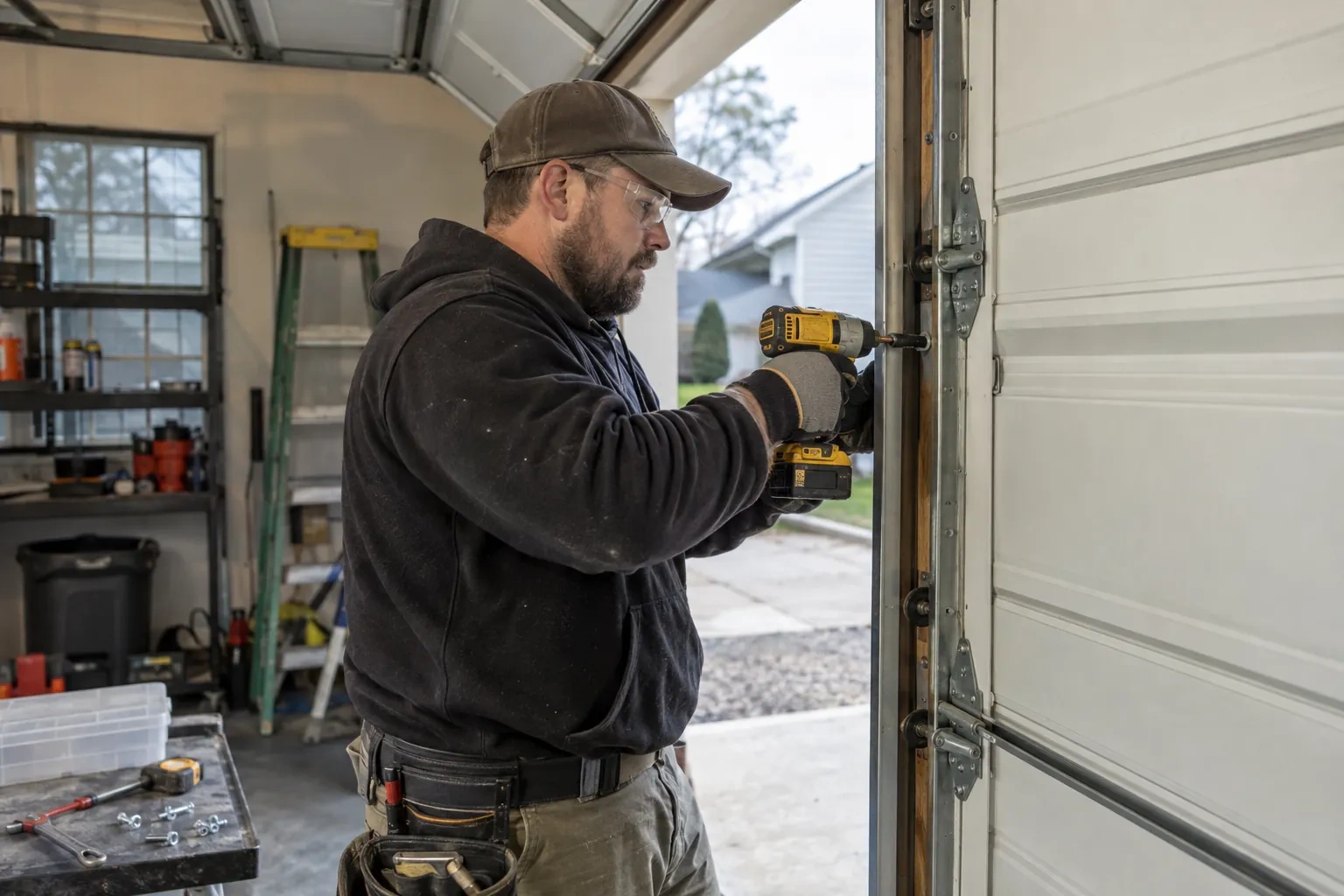
A smart controller sits on top of a mechanical system, so the mechanical system is checked first. With the door closed the trolley is released and the door lifted by hand: it should rise with modest effort, hold at about a metre and stay fully open. Rollers, hinges, cables and track are looked over, and the opener is run from the wall control to watch its travel and hear its drive. A balanced, smooth door gives the controller reliable position reporting and gives you an opener that is not straining every time your phone asks it to move. Anything found here is put right before the connected part begins.
Joining the home network properly
The hub is joined to the network on the 2.4 GHz band and to the exact network name the household uses every day, not a guest network that might later be switched off. The technician checks that the router's security is a modern type the hub supports and that the signal at the hub's final position is comfortably above the minimum. Where an extender or access point was planned, it goes in first so the hub joins a strong signal from the start. After the join, the hub's firmware update is allowed to finish, and the device is power-cycled once to prove it reconnects on its own without anyone touching it.
Alerts that earn their place
You leave with a small set of notifications chosen on purpose rather than every option switched on. A left-open reminder after a set delay, a note when the door opens during hours nobody should be using it, and a message when a scheduled close has completed are the ones most households keep. If the alerts become noise, adjust the delays or turn one off rather than muting the app entirely, because a silenced app is the one that stays quiet on the night the door is up. The settings screen you were shown is where each of these lives, and changes take effect at once.
Smart Garage Controller Setup
In the van
- Low-voltage bell wire
- Mounting screws and brackets
- Lithium coin cell or cylindrical cells
- Cable clips and insulated staples
- Wi-Fi access point or extender
What affects the quote
Same fees day, night or weekend
1Power for the hub
The hub plugs into the opener's ceiling receptacle. If there is no spare socket, an approved splitter or a receptacle added by an electrical contractor becomes part of the plan.
2Taking over an existing device
Releasing a controller from a previous owner's account, resetting it and pairing it fresh takes time that a new device does not, and its sensor may need a battery or repositioning.
3Detached garage
A garage separate from the house often means both a signal problem and a longer walk for wiring and testing, and the quote reflects both.
Smart Garage Controller Setup: questions
Can I give a contractor or cleaner access for a day?
Most apps allow guest or scheduled access: a user invited for a set window, or a one-time code, that expires on its own. That is a better arrangement than lending a remote or sharing the family keypad code, because there is nothing to chase back afterwards and the history shows exactly when the door was used. The technician shows you how to create and revoke such access during the visit.
Can the door close itself at night?
Yes, with a schedule. You choose a time, and each night the controller sounds its warning, flashes its light and attempts to close the door if it is open; the close can fail if the beam is blocked, a sensor is faulty, or the controller is offline. Because it is unattended, the same safety rules apply: the door refuses or reverses if the beam is broken. Many households pair the schedule with a left-open alert so they hear about it either way.
Do you need my Wi-Fi password?
No. The technician will ask you to type it into the app yourself at the right moment and will look away while you do. The same goes for the account password and any verification code. The technician needs to see that the hub has joined and that commands work, not the credentials that made it happen. If you do not know your network password, find it before the visit; it is often printed on the router.
Openers & Access
- Chain-Drive Opener RepairThe door closes, touches the floor, then climbs straight back up as if it hit something.
- Belt-Drive Opener RepairIt is minus twenty in the detached garage and the door climbs in jerks, the belt stiff as a board.
- Garage Door Opener ReplacementThe bedroom above the garage shakes every morning at six when the chain drive fires up.
Smart Garage Controller Setup near you
Broken spring, snapped cable, door off the track, opener humming but not lifting, remote lost, seal cracked, panel dented, door too loud for the bedroom above: those are the calls we take from Caledonia, and each has its own service page explaining how we handle it.